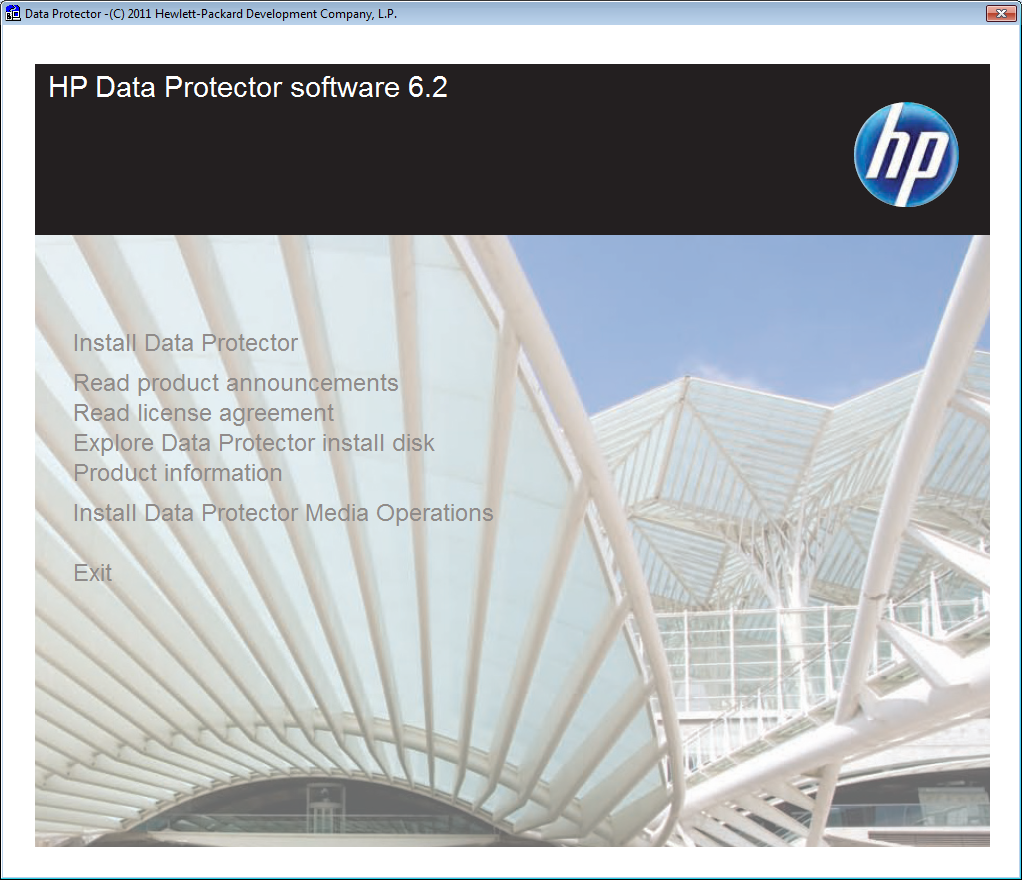
For all already waiting for… the new version of HP Data Protector (6.2) will be installed as follows on a Windows 2008 box… Screens were manipulated to show all available options.
UAC may appear prior installation, depending on the configured settings
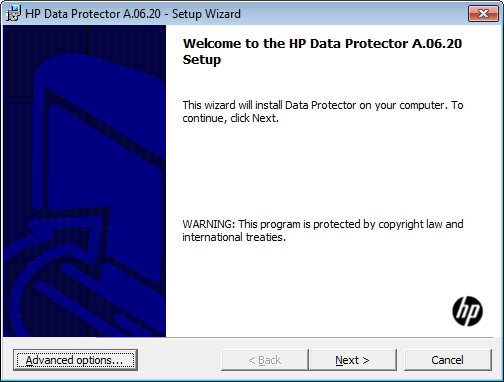
Welcome Screen
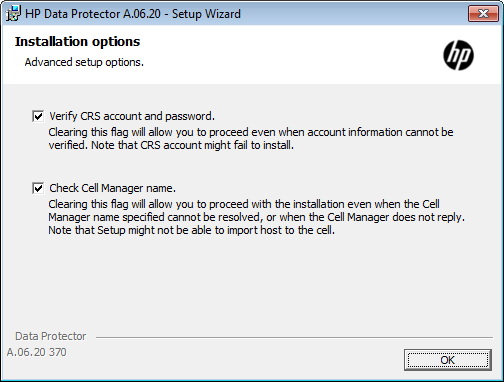
When pressing Advanced you can define settings to be used during the installation
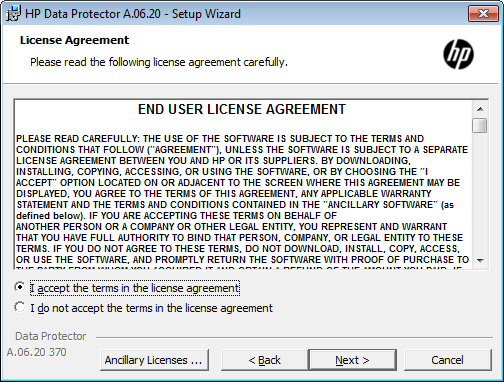
License Agreement
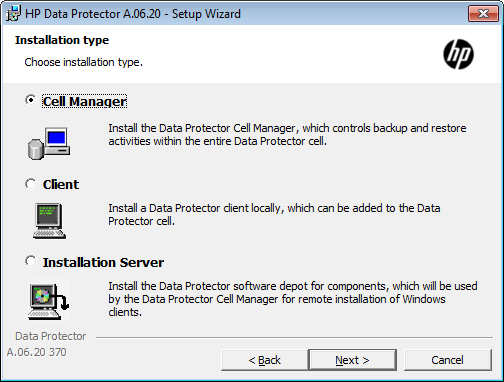
Installation type, in this case, of course, we use cell server
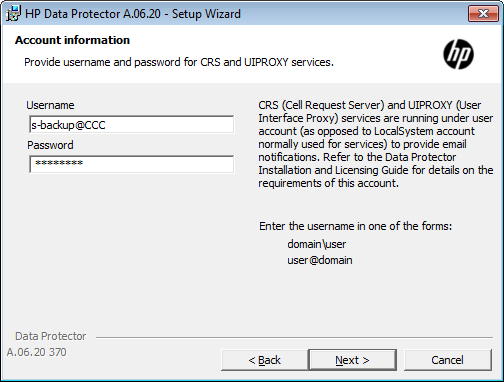
Account information to be used for some of the services of Data Protector, the usage of an local account is possible but not recommended.
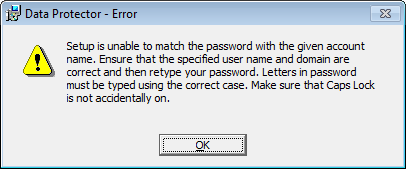
An error message appear when the password is wrong
Destination folder for Data Protector
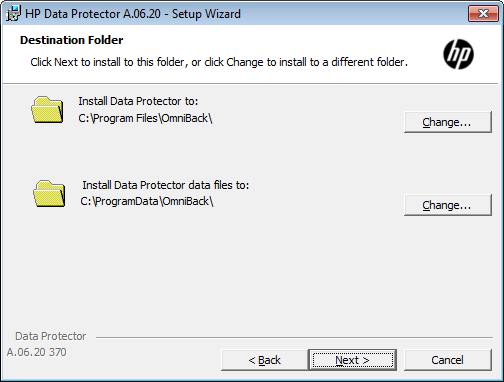
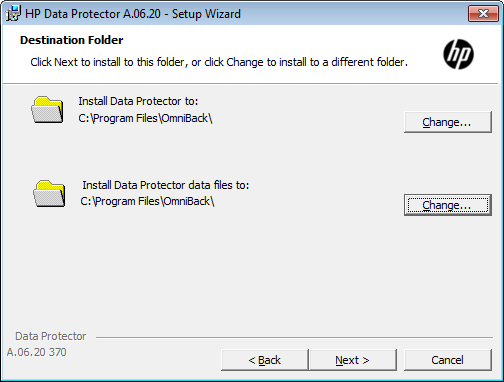
Change Destination folder, in case the server has a mapped LUN from SAN storage it is recommended to change both folders to SAN destination
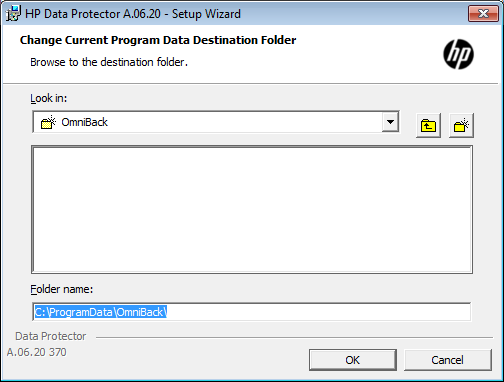
the changed path…
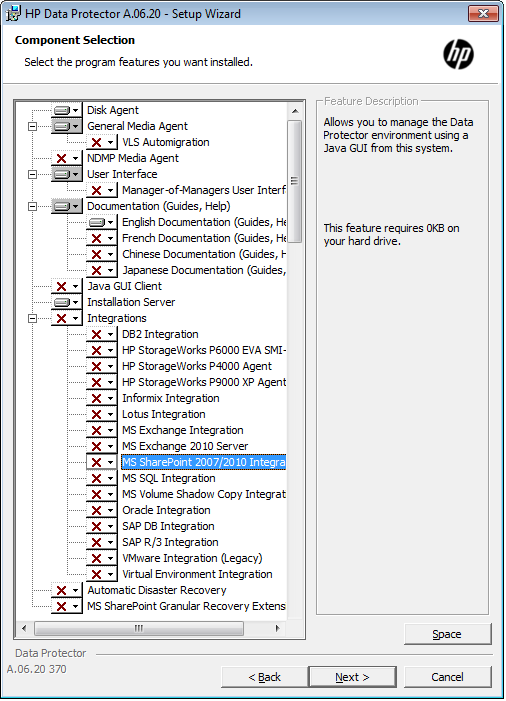
Component selection, VSS, AutoDR, DA, UI, Docu should always be selected for the cell server, IS and MA can also be distributed to another client.
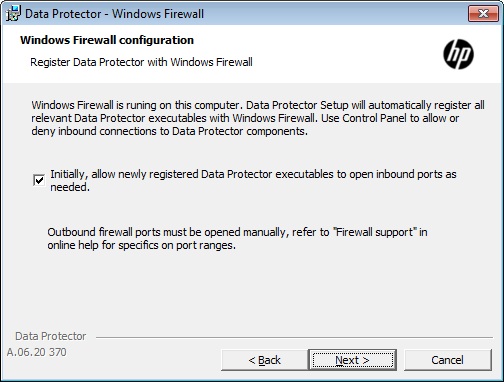
Firewall configuration
Ready to install screen
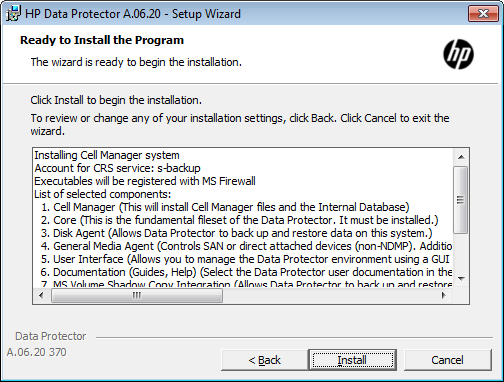
Installation is verified
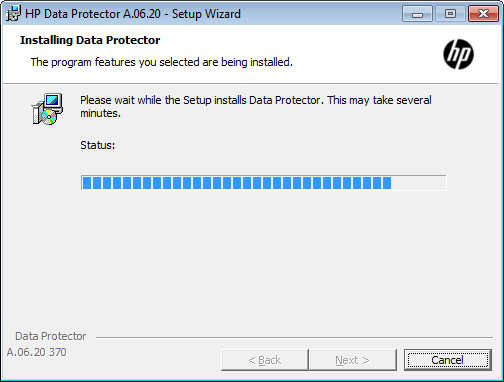
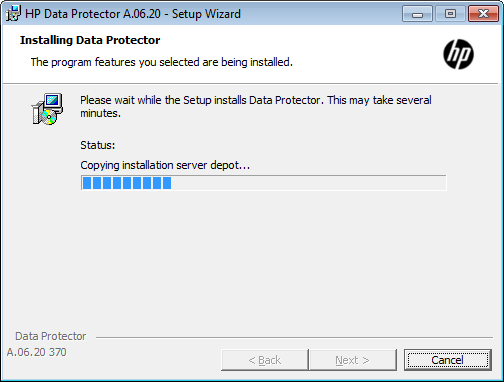
The selected components are installed.
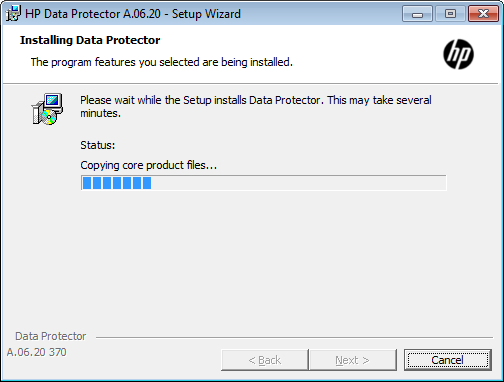
Continued…
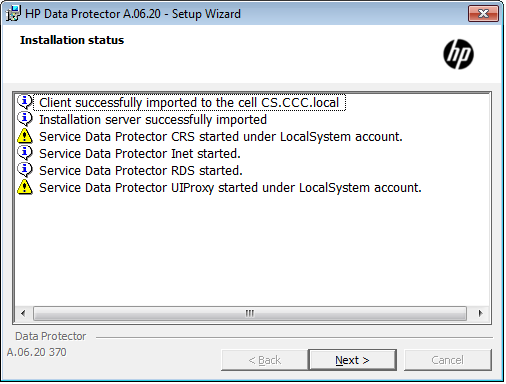
If you used a local account at the end you may receive this warning message.
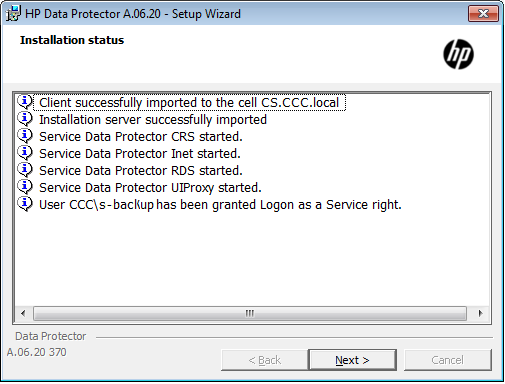
…otherwise installation will finish like this.
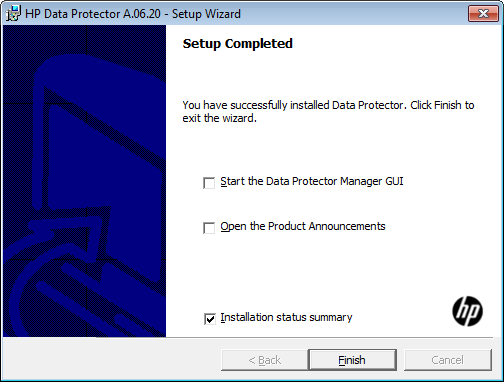
Setup completed, a text file will be opened including installation summary.